Open the live switcher
A floating panel appears while recording. Choose Screen, Camera, Portrait (tall 9:16), or Bubble at any time.
When you record a window or your screen with the camera on, flip between screen, camera, portrait, and bubble layouts while you're recording - one continuous file, no encoder restart. And in Studio you can lay out screen and camera as separate layers that change over time, so a single recording becomes many arrangements.
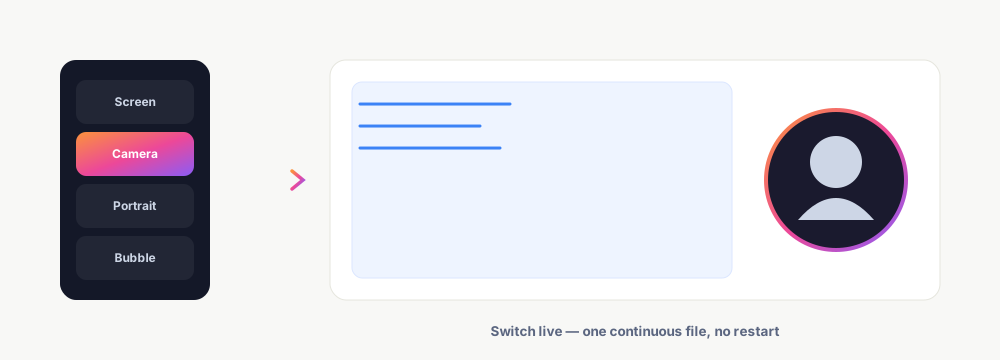
A floating panel appears while recording. Choose Screen, Camera, Portrait (tall 9:16), or Bubble at any time.
The layout changes instantly - no stop, no restart, no separate clips. It's one continuous recording the whole way through.
Open the recording in the editor to arrange screen + camera as independent layers, and change the layout over time in segments.
The live switcher changes layout mid-recording with no encoder restart - the output stays one clean, continuous file.
Side-by-Side, TV Presenter, Camera Bubble, Screen only, and Camera only - each auto-fits the frame shape you're exporting to.
Split the recording into segments, each with its own layout, background, corner radius, and zoom - so one take can present many ways.
Because screen and camera are saved as separate layers, you drag, resize, and re-arrange them in the editor after the fact.
Keep exploring what El Ojo does — or see how the tiers work.
Yes - a floating switcher lets you change between Screen, Camera, Portrait, and Bubble mid-recording.
No. It's one continuous file with no encoder restart - nothing to stitch together afterward.
Five presets: Side-by-Side, TV Presenter, Camera Bubble, Screen only, and Camera only - and each adapts to your chosen aspect (16:9, 9:16, 1:1, 4:3).
Yes. In Studio the layout is a timeline of segments; each segment can have its own layout, background, corners, and zoom.
Yes - screen and camera are saved as independent layers, so you can drag and resize each one in the editor.
Switch layouts live with the free extension, then perfect them in Studio.